Home Connect - Google Assistanrt
Why smart kitchen appliances?
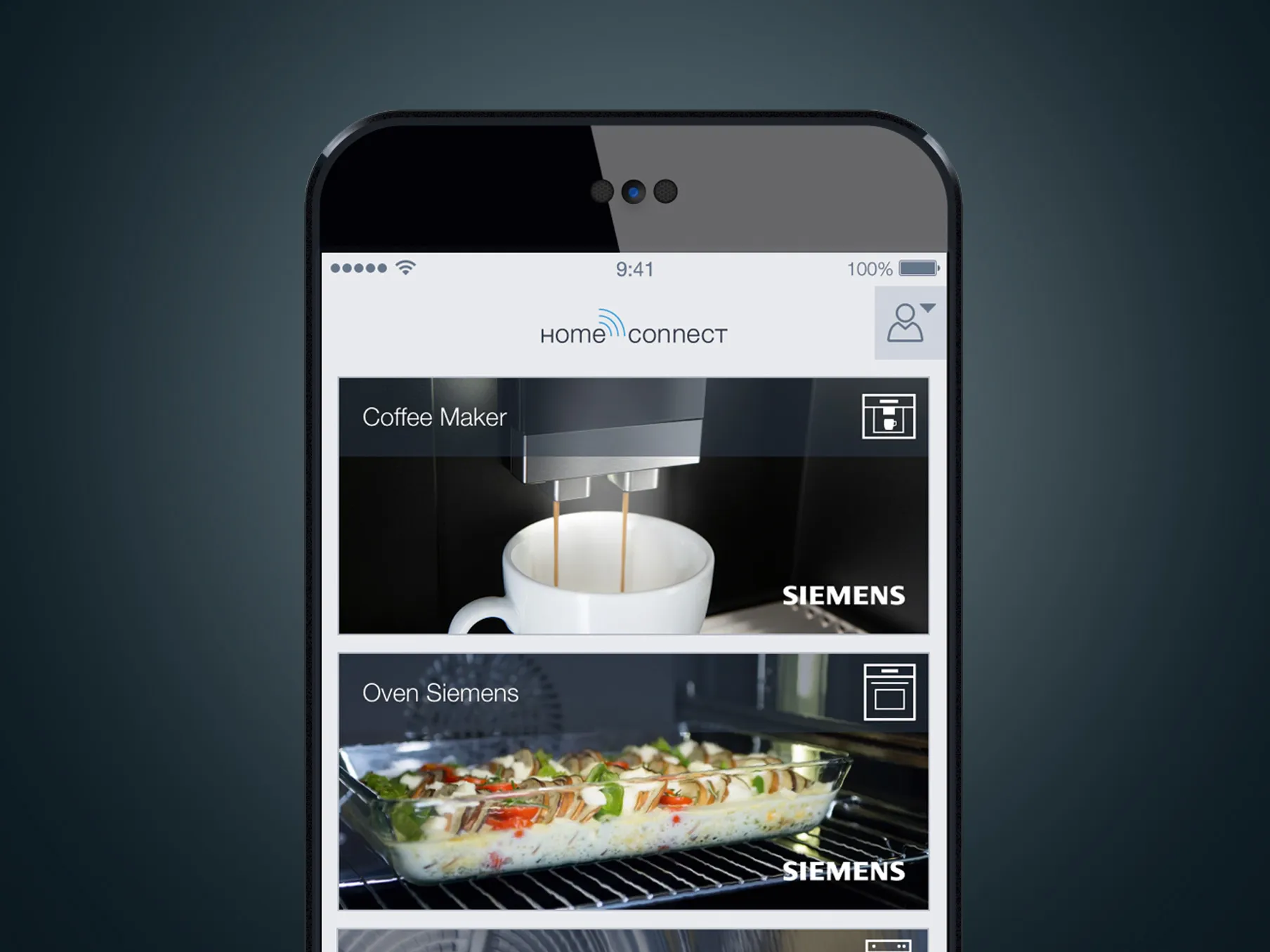
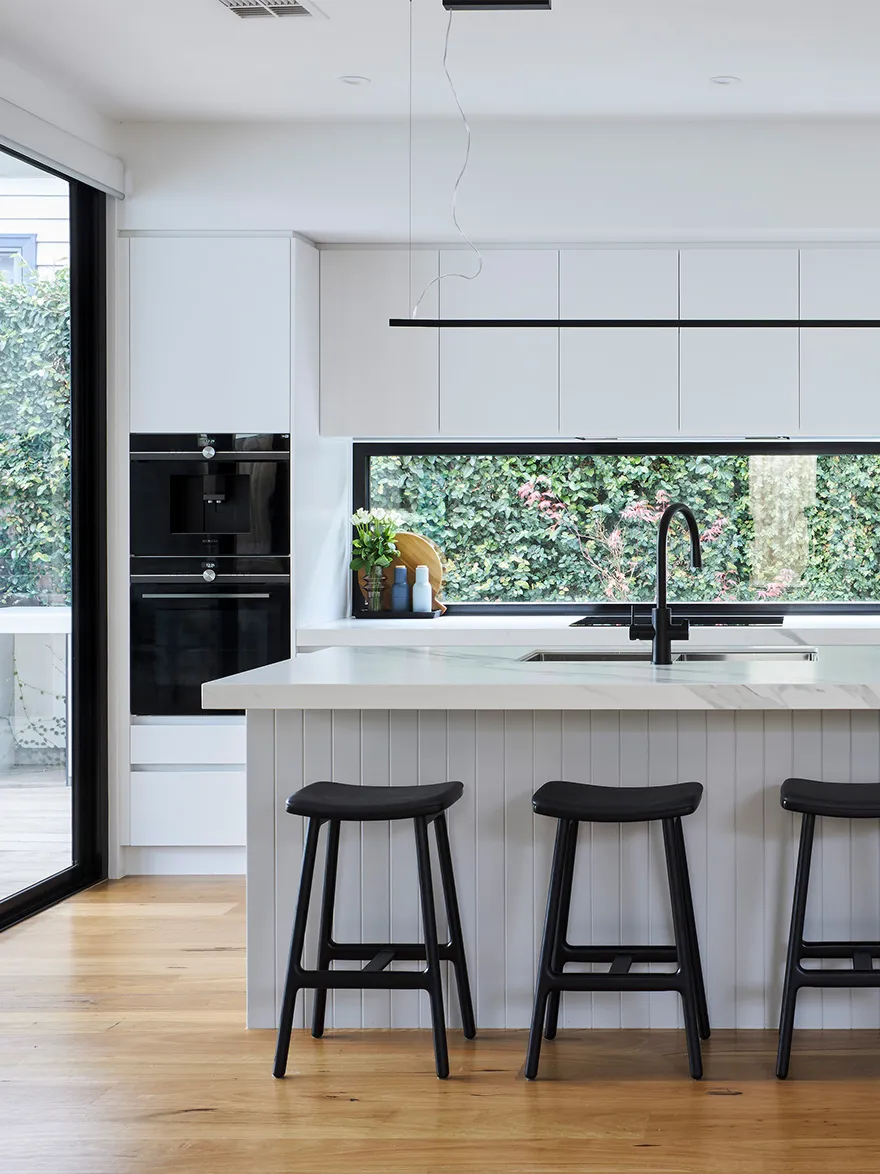
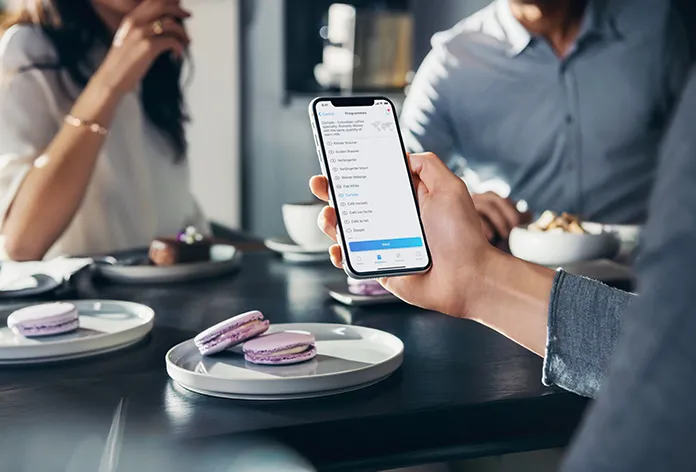
It’s easy to think that kitchens are fully evolved, but with the onset of the Internet of Things, our world is becoming increasingly smarter by the minute. Whether it is checking how long is left on the dishwasher, or asking your oven to slow-cook a roast, Siemens Smart Home Appliances with Home Connect let your world grow – from the everyday to the not so everyday.
Google Assistant
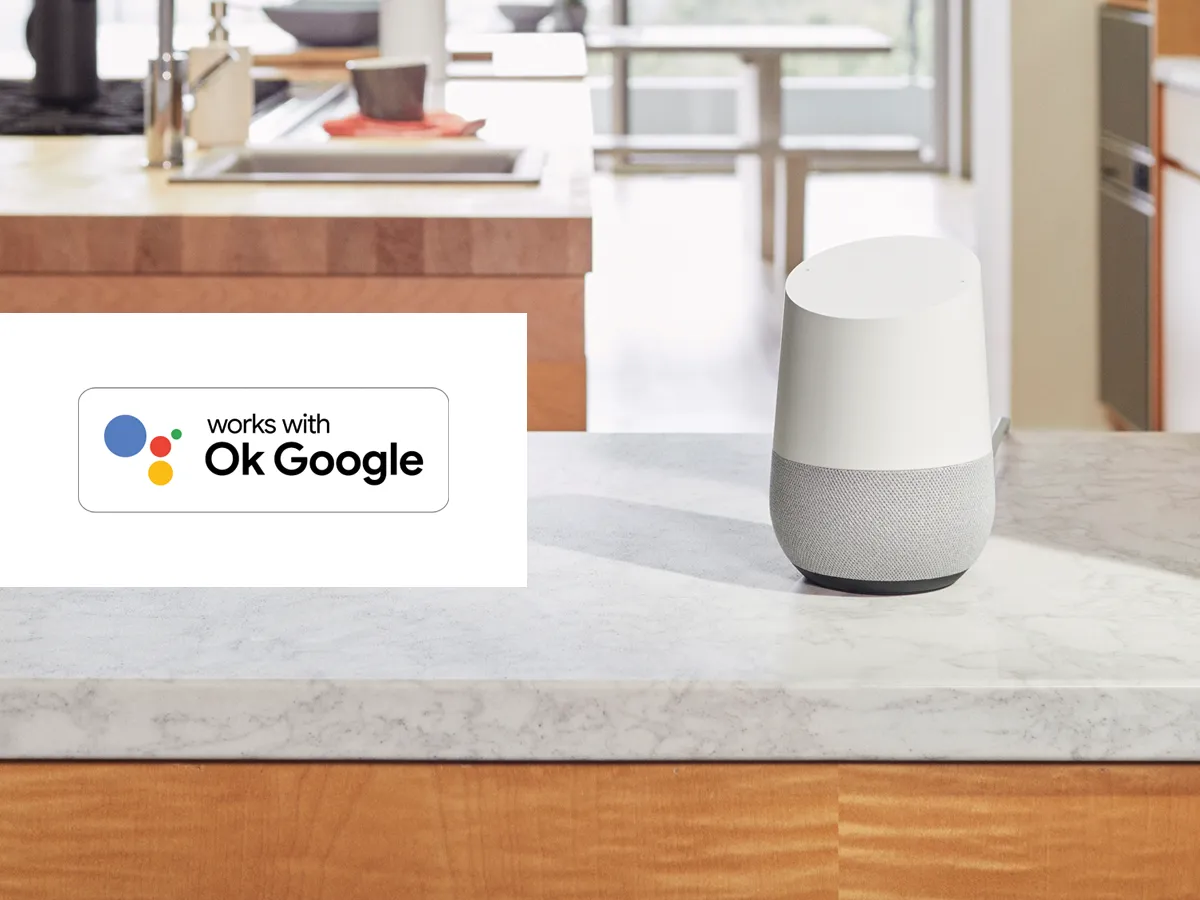
Bring hands-free living to your kitchen with Google Assistant. All you need to do is ask and your Google Assistant will offer a helping ‘hand’.
Click the link below to see the range of commands Google can perform for you.
- To Google Assistant voice commands
Connecting Google Assistant to Home Connect
Step 1: Download the Google Home app
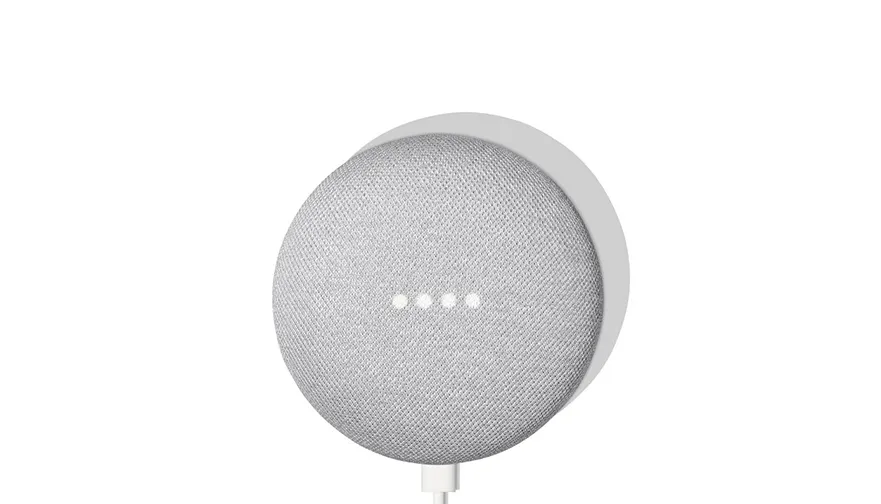
Step 2: Set up your Google Home device
Make sure your Google Home device is connected and working, if not follow the instructions provided with the device. For further assistance visit the Google website below.
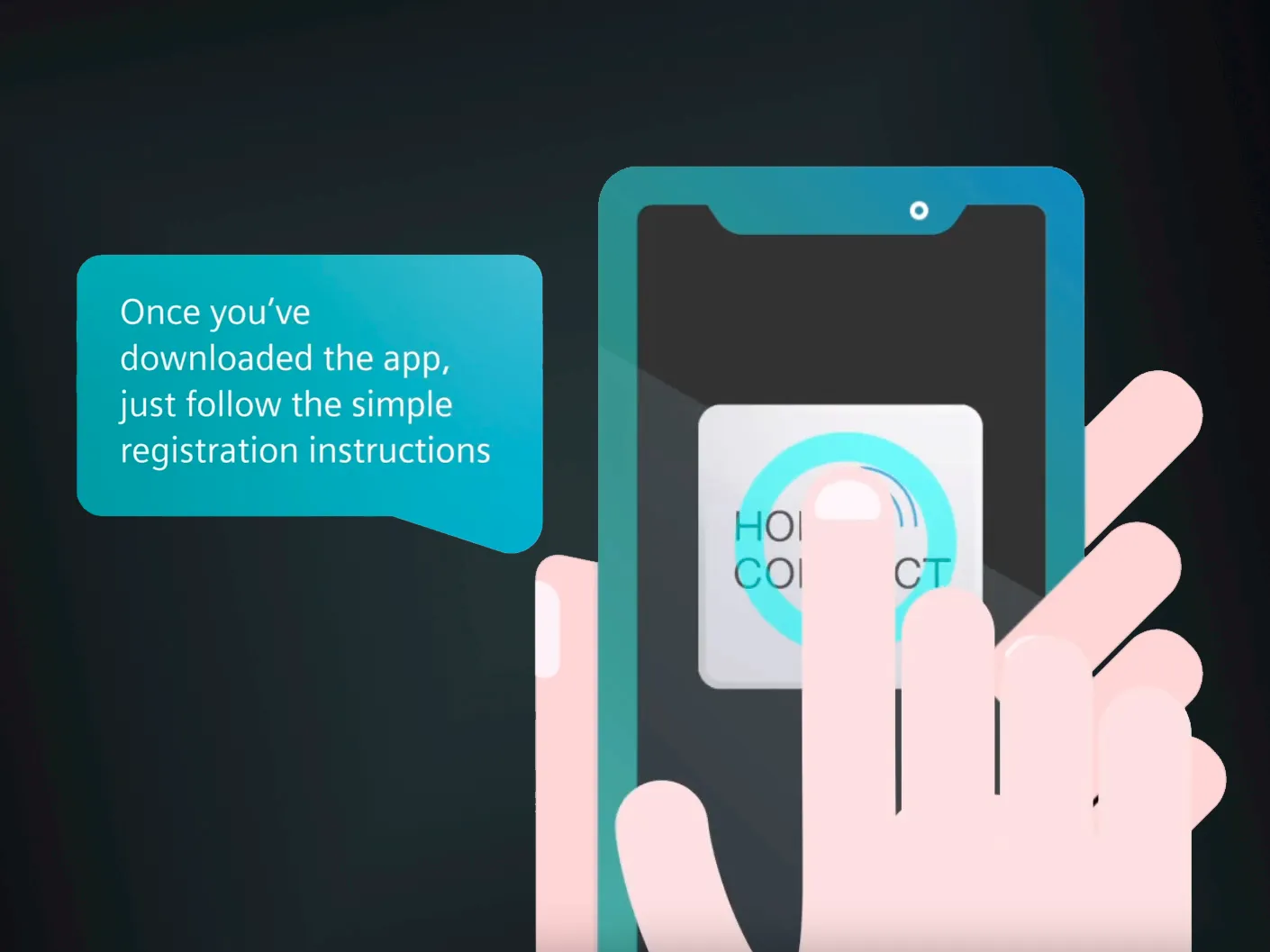
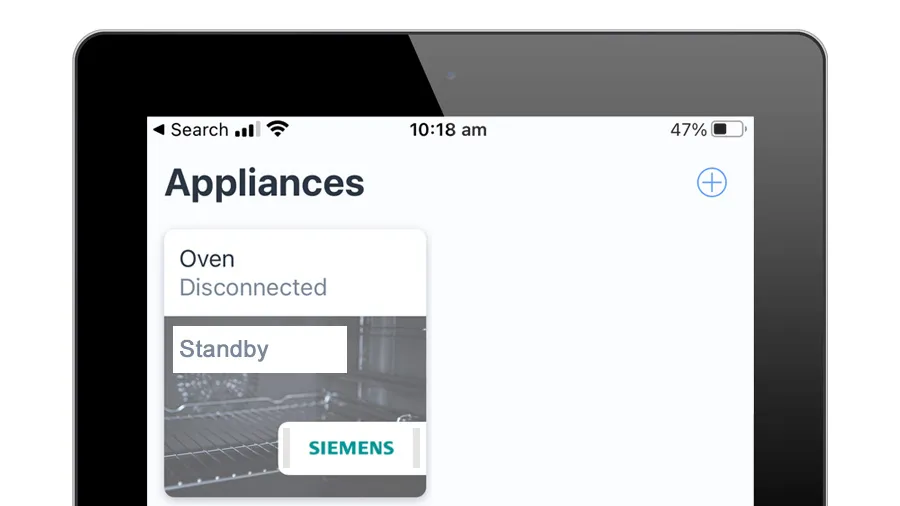
Step 3: Ensure your appliance is connected to the Home Connect app
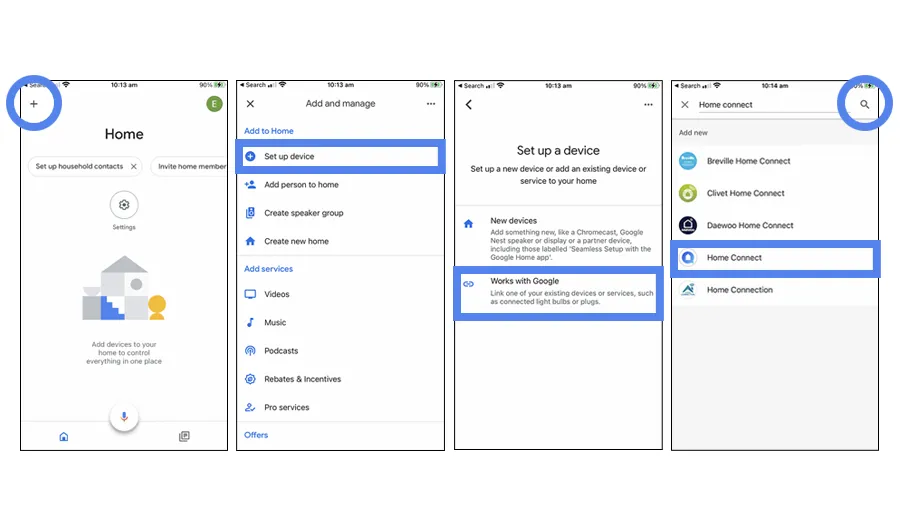
Step 4: Connect your Google Home app to your appliance
A. Open the Google Home app.
B. Select ‘Add’ on the home screen.
C. Select ‘Set up a device’.
D. Select ‘Works with Google’.
E. Select ‘Home Connect’ in the list and log in to your Home Connect account.
Your Home Connect appliances are now linked to your Google device via your user account and you can get started. Try using one of the voice commands listed in the link below.