Connecting Amazon Alexa to Home Connect
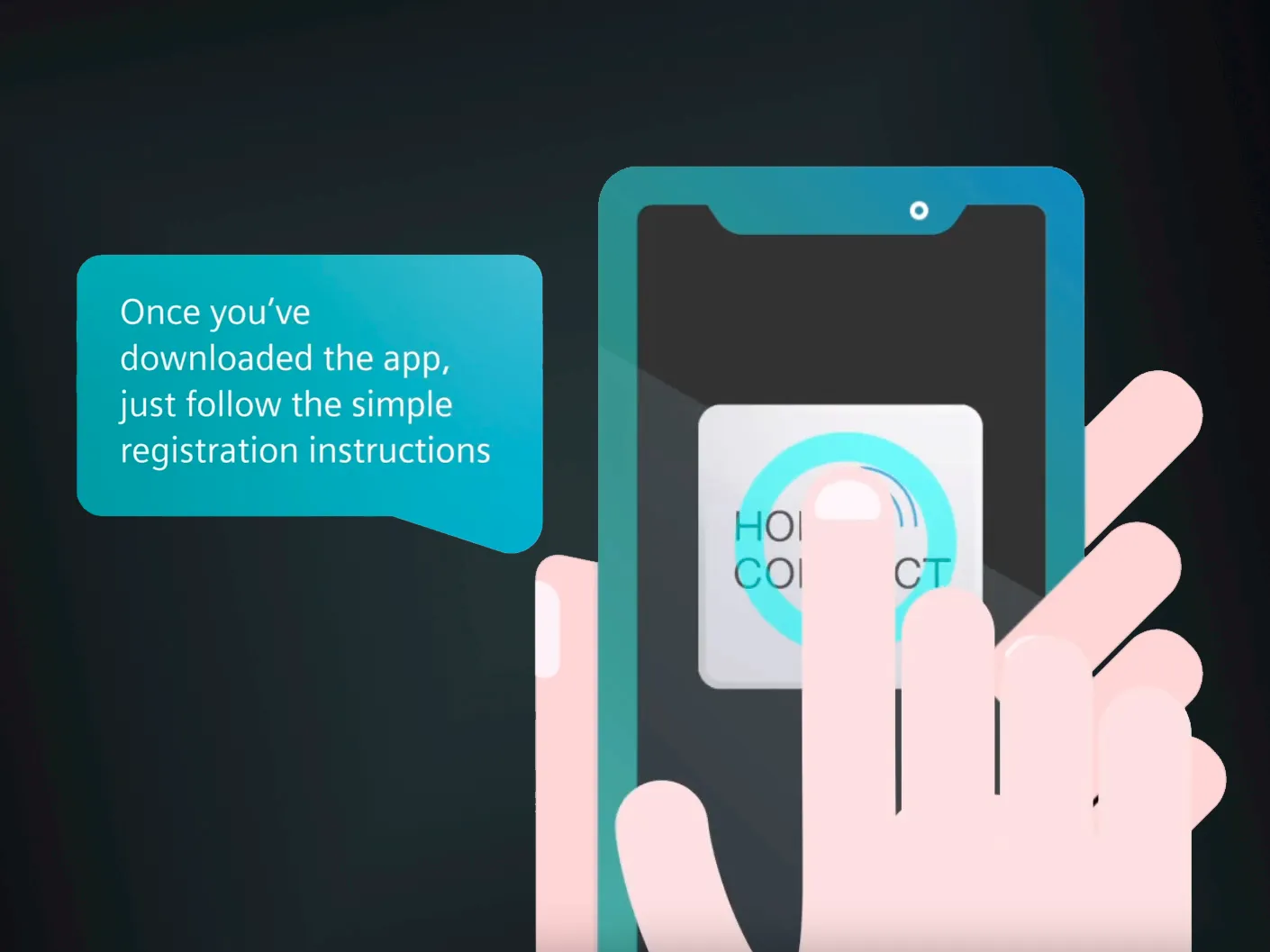
Step 1: Download the Amazon Alexa app
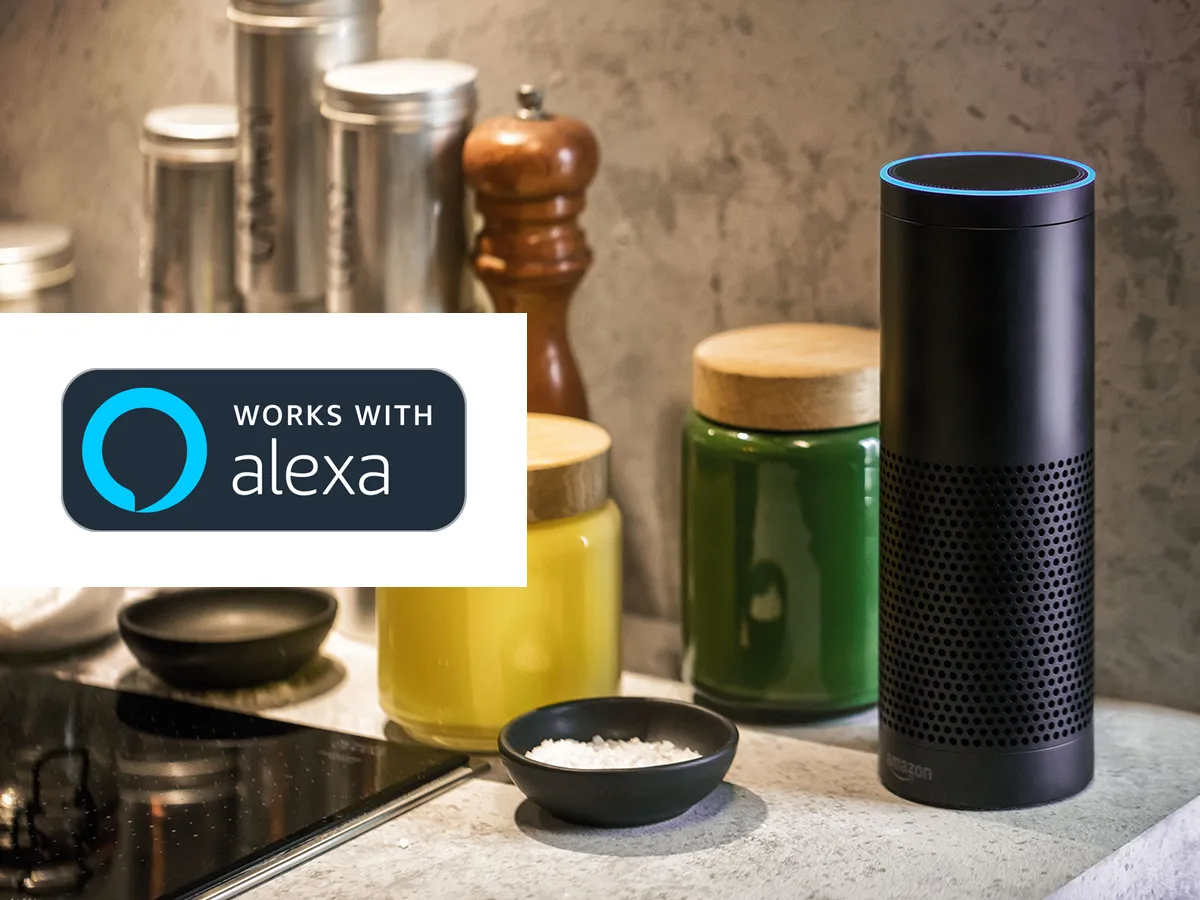
Step 2: Set up your Amazon Alexa device
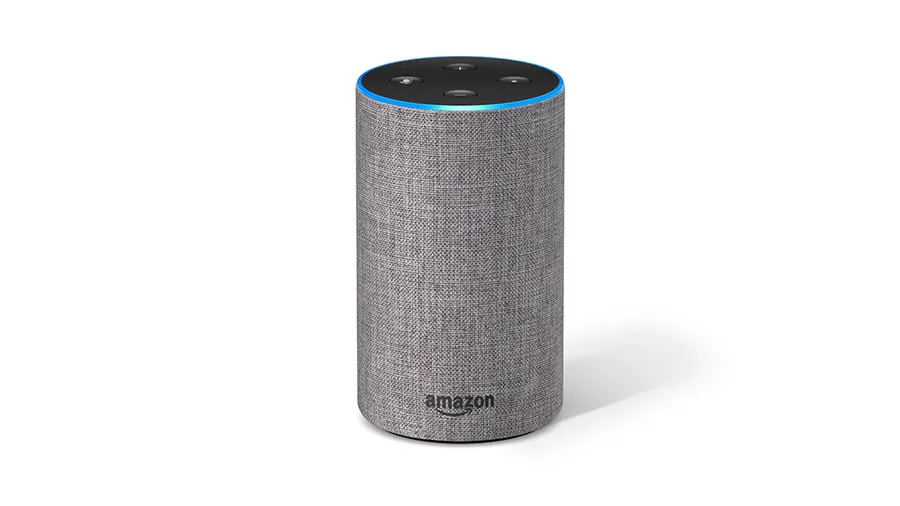
Make sure your Amazon Alexa device is connected and working, if not follow the instructions provided with the device. For further assistance visit the Amazon website below.
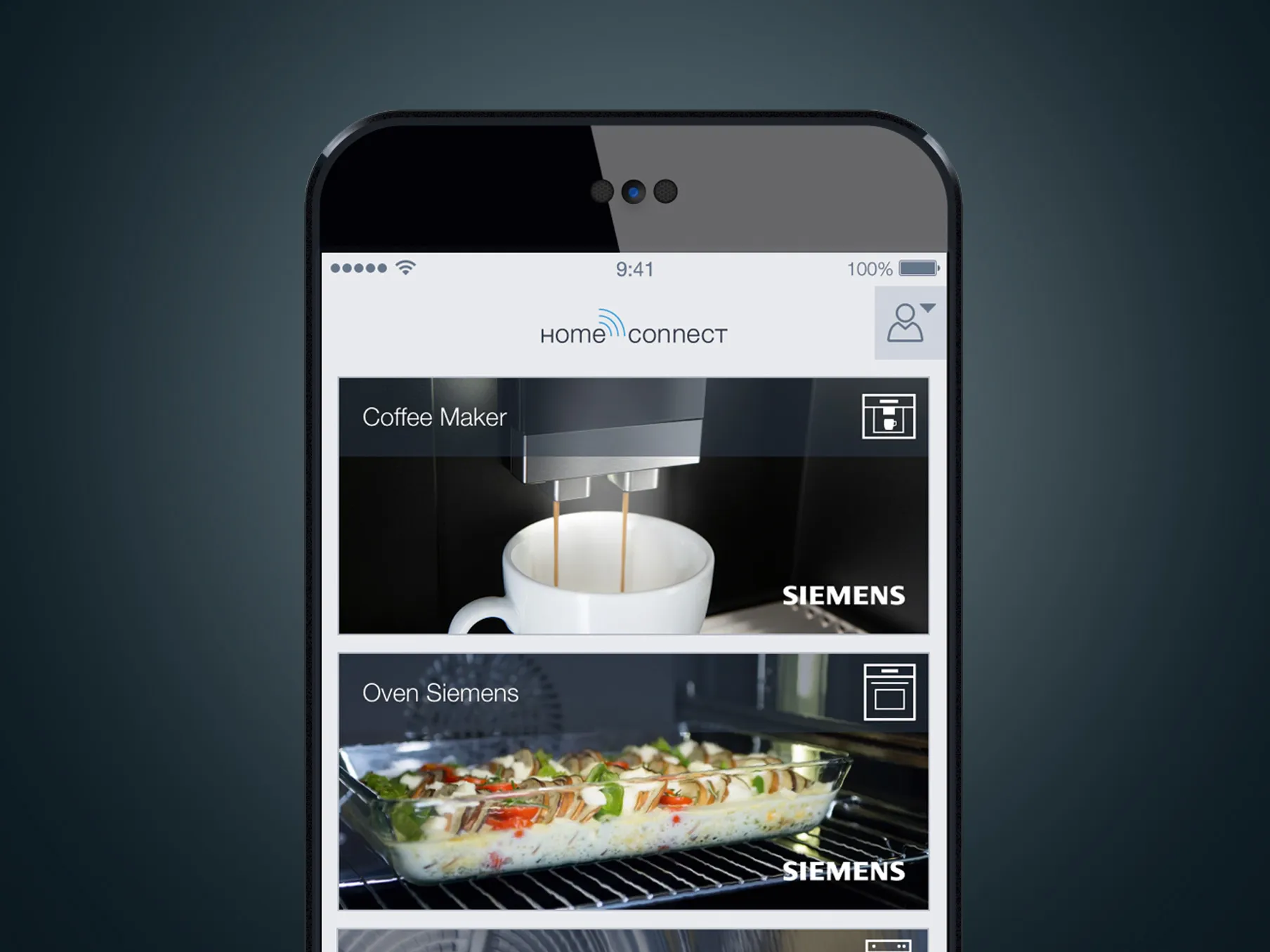
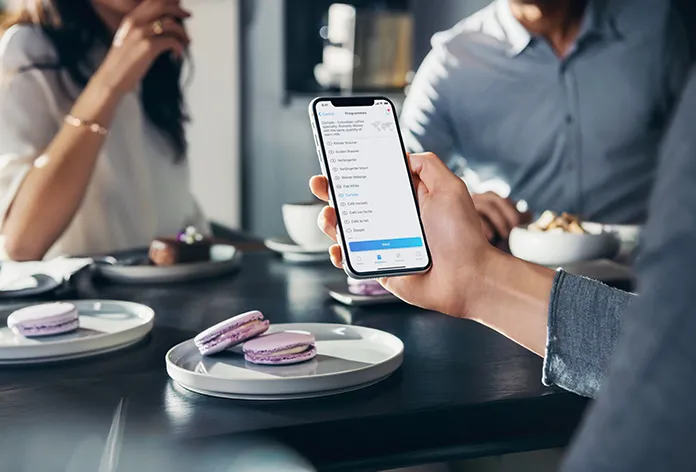
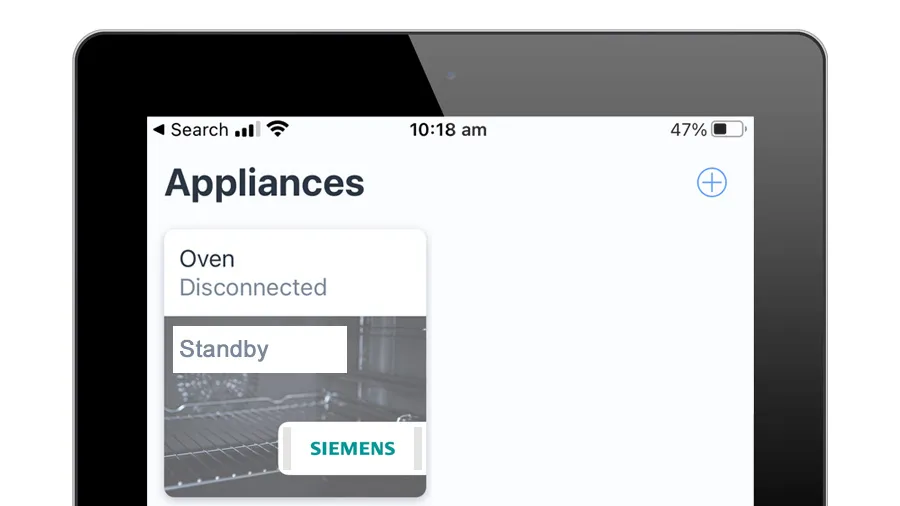
Step 3: Ensure your appliance is connected to the Home Connect app
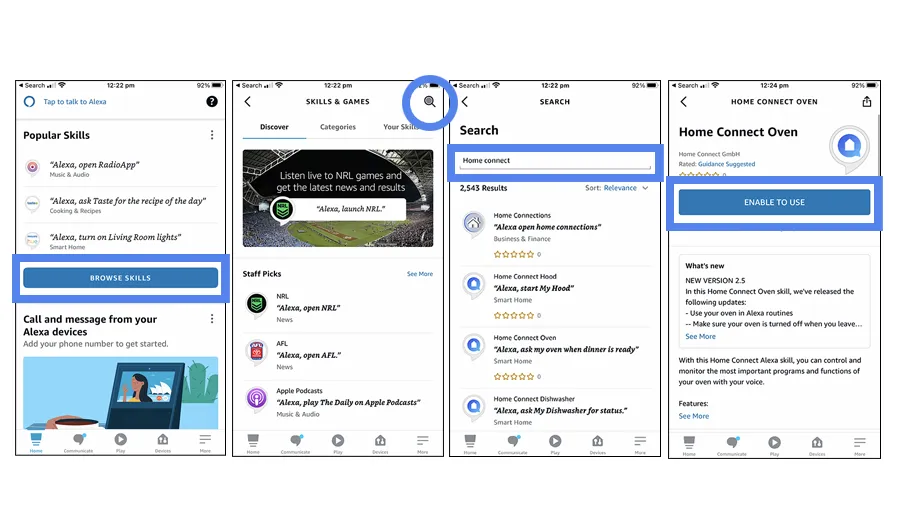
Step 4: Activate ‘skills’ within the Amazon Alexa App
You need to activate a ‘skill’ for each appliance category. For example there are skills for ‘Home Connect Oven’ and ‘Home Connect Coffee Machine’.
A. Open the Alexa App and click ‘browse skills’ on the homepage. This will take you to the Alexa Skill Store.
B. Search "Home Connect”.
C. Activate the desired skill by clicking ‘enable to use’ and log in using your Home Connect user details. Click ‘approve’.
Your Home Connect appliances are now linked to your Amazon device via your user account and you can get started. Try using one of the voice commands listed in the link below.